






My Cart (0)
Table of Contents


PLA is one of the most popular filaments for 3D printing. It is known for its ease of use, many color options and environmentally friendly properties. Despite its ease of use, problems can arise when printing with PLA filaments. One of the most common problems is PLA warping – a defect where the corners or edges of your print separate from the build plate and curl upwards. The result is usually a distorted print and you have to start the project over.
Warping can occur due to uneven cooling and shrinkage of the material, so today, we will look at 7 ways to achieve beautiful prints from PLA filaments.
Using a heated bed
Although most manufacturers say a heated bed is not necessary for printing with PLA, we recommend always heating the print bed between 60 and 70°C. A heated bed keeps the bottom layers of your print warm and reduces the temperature difference between them. This also reduces the stress caused by uneven cooling, which is the main cause of PLA warping.

Proper bed levelling
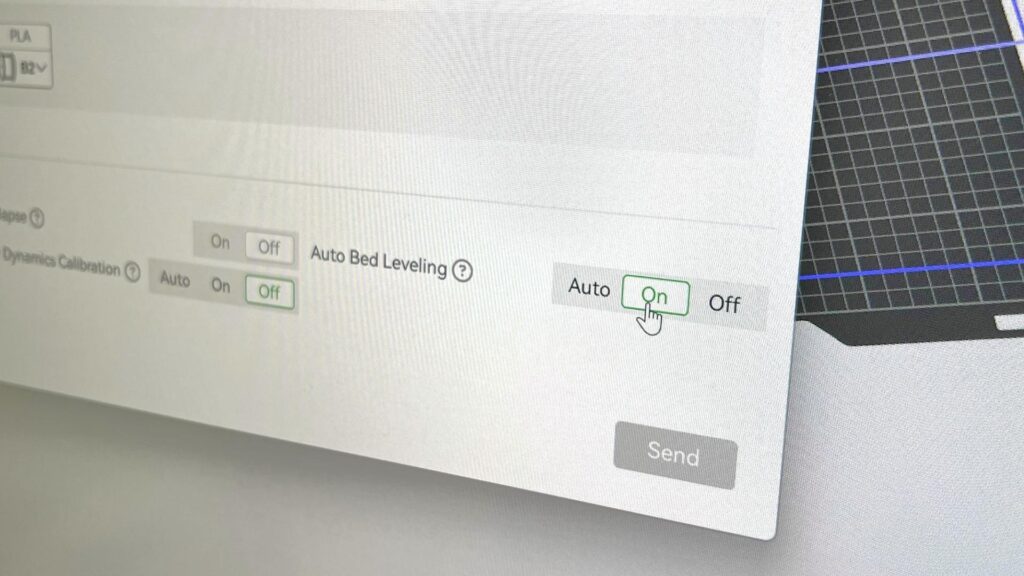
A calibrated bed is crucial for your print to adhere well to the print bed. The bed needs to be just the right distance from the nozzle to prevent the filament from getting tangled or causing any other problems. Most 3D printers have an auto-calibration feature built in. However, if you have an older printer that doesn’t have this feature, you can calibrate it yourself. Use a piece of paper or a measuring nozzle to level the bed and make sure the nozzle is at the correct distance at various points.
Using Adhesives
If you’ve followed the first two tips and your prints are still warping, try using an adhesive for extra adhesion. Adhesives come in a variety of forms, and people tend to use different ones depending on their preferences. Additionally, using these types of adhesives also makes it easier to remove finished prints.

Contact adhesive
Contact adhesive is applied to a heated surface, ensuring a strong bond throughout the print.
Spray adhesive
Aerosol spray adhesive is applied when the bed is heated above 60 °C. This creates a strong bond between the first layer and the build plate.
Cooling settings
Every printer has cooling fans that ensure even cooling during printing. If used too aggressively during the first layers, they can contribute to the warping of the print. To prevent this, turn off or reduce the cooling fan for the first few layers. This allows the filament to better adhere to the bed and reduces the risk of warping.
Monitor the ambient temperature
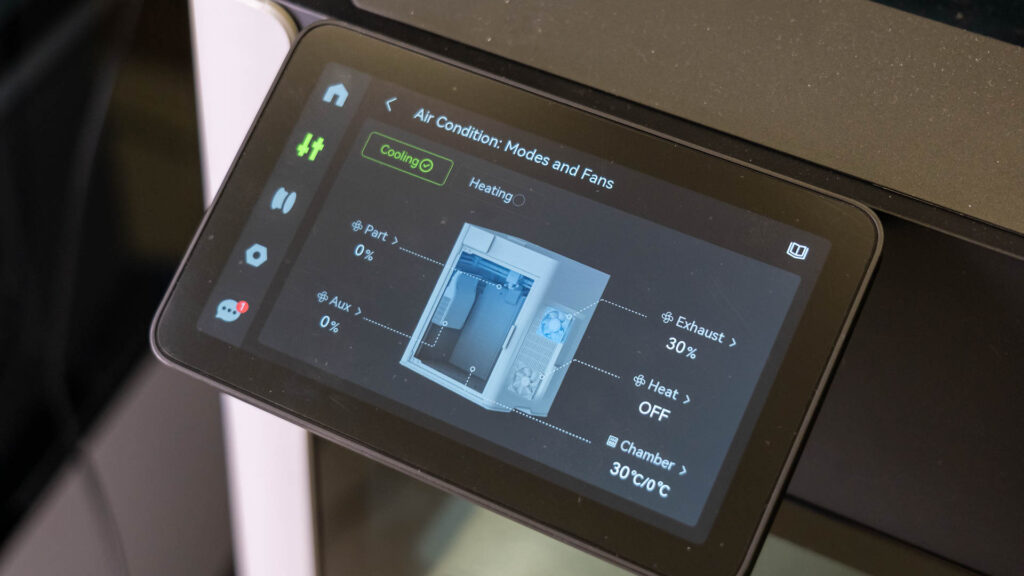
If you print in a cold room, the prints will warp even faster due to the rapid cooling. We recommend stabilising the ambient temperature (around 20°C to 25°C) to ensure good results.
Print speed and layer height
Print speed is crucial for the print to adhere to the bed. We recommend adjusting the speed or lowering it for the first few layers, as this gives the filament more time to adhere to the bed. It is also a good idea to use higher starting layers (e.g. 0.3mm instead of 0.2mm), as this will also allow for better adhesion.

Filament storage
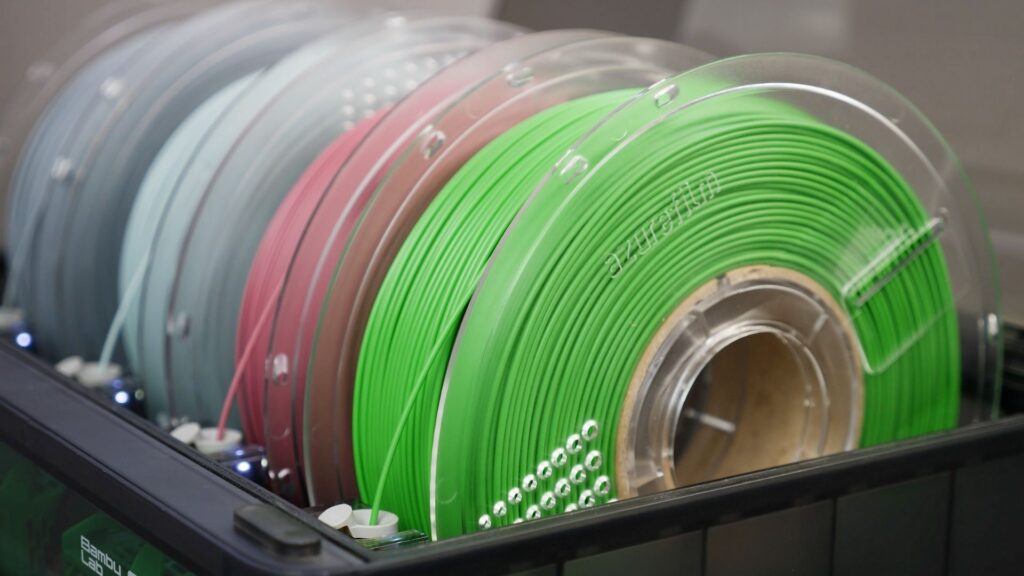
Moisture is the biggest enemy of 3D filaments. Every filament absorbs moisture, which affects the quality of the print and also the adhesion of the first layer. Store the filament in a dry and airtight bag or container, to which you add a desiccant such as silica gel. To be 100% sure that the filament is dry, you can dry the filament before each print.
Consider a raft or brim
For larger prints or models with small contact surfaces, adding a raft or brim can provide additional grip and prevent PLA warping. A raft is a thick, flat base that sits underneath your print, while a brim is a thin extension of the first layer that surrounds the model. Both options increase the surface area in contact with the build plate, reducing the likelihood of warping. Watch the video below for more information.

Final thoughts
PLA warping can be frustrating, but if you follow the techniques listed above, you will easily fix this problem. Don’t be afraid to test and experiment with different settings to find the most optimal printing method for your 3D printer.
Share


 Previous post

